Downloads

Test and service tools, free to download

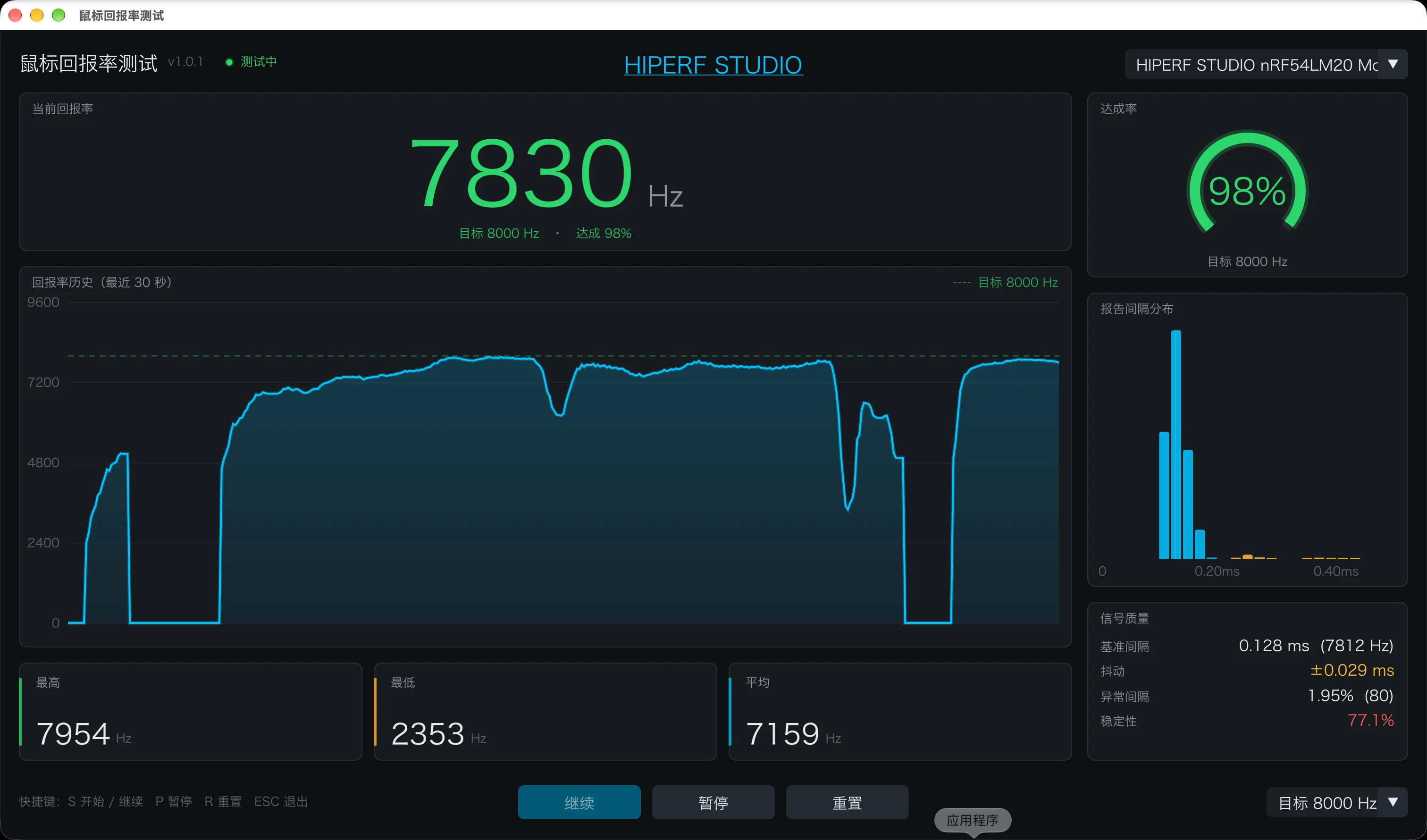
All tools are free and require no registration. Currently the polling-rate test tool and the firmware upgrade tool — more to follow.

Available now

Firmware Upgrade Tool — Local firmware upgrade utility

Firmware Upgrade Tool

v1.2.3

Local firmware upgrade utility

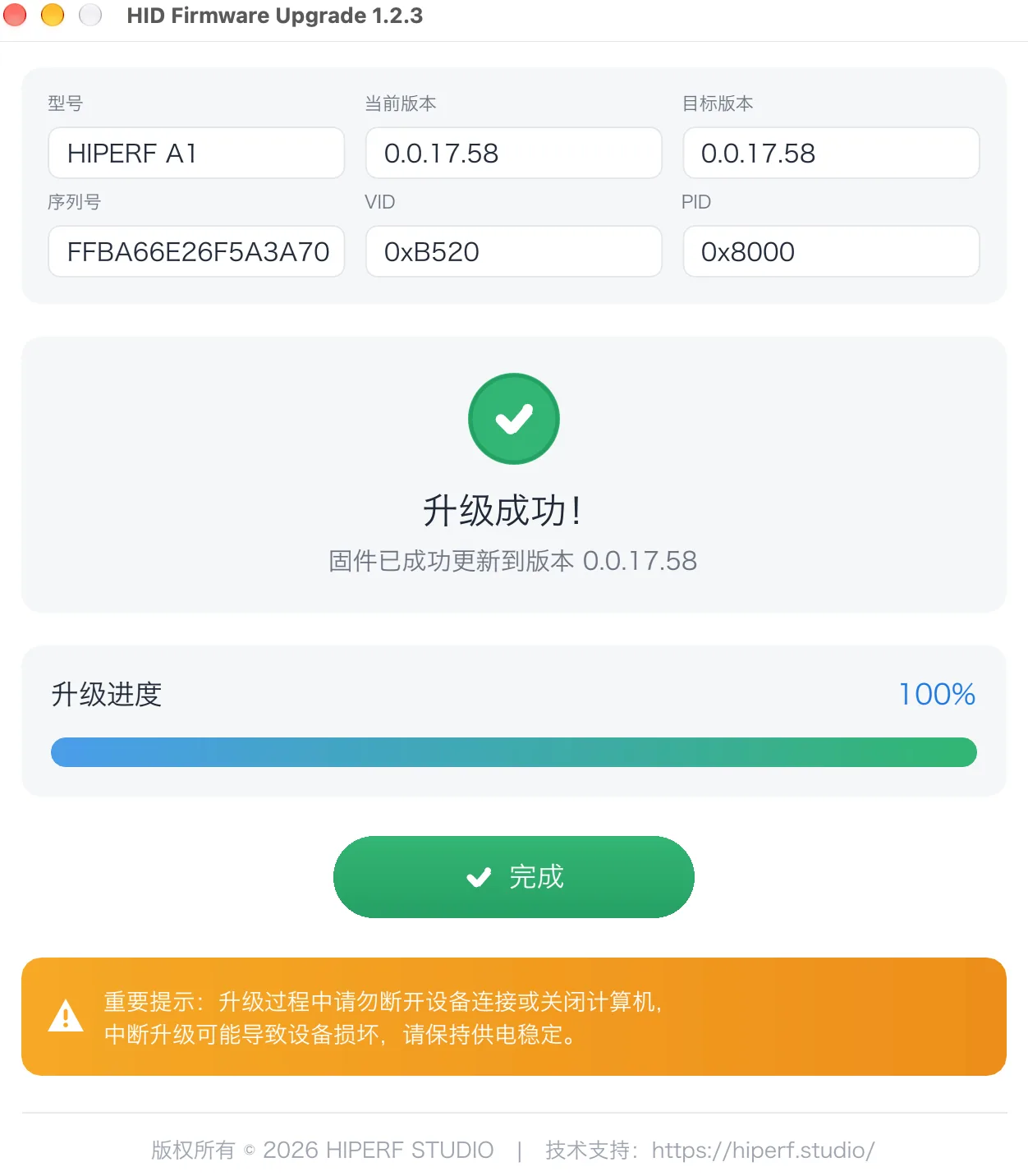
Upgrades device firmware over USB — built for production-line flashing, repair stations and offline environments. It identifies the model, serial number, VID/PID and current version automatically, shows live progress and warns about interruption risk up front.

  • Detects model, serial number, VID/PID and current version
  • Before/after version comparison to prevent flashing the wrong image
  • Live progress display with interruption warnings
  • Works with offline packages for production and repair benches
Released
Oct 9, 2026
Size
1.8 MB
Requires
macOS 12 或更高(Apple 芯片)

SHA256

  • macOS 9687bcb781c0401d8c3777b296ea702c3f9b6eac16fdbad4a4a8d6059cc761d2
  • Windows 72ee96abda1204a125e74cd3d1711c4319914133d192342e998d26784705cf54

More tools on the way

We are steadily publishing the debugging and validation tools we use internally. If you need something specific, tell us.

Verify what you download

Download only from the links on this page. Every build ships with a SHA256 checksum, so you can confirm the file was not swapped in transit.

Official source

This site is the only official download channel. Builds mirrored on third-party sites or file-sharing services cannot be verified — do not use them.

Checksums

Each release ships with SHA256 values. Verify on macOS with shasum -a 256 <file>, or on Windows with certutil -hashfile <file> SHA256.

Runs locally

All tools run on your machine. No usage data is collected or uploaded. The test tool only reads device reports locally; the upgrade tool only writes firmware locally.

Building a product? Let’s talk solutions

Tell us your product form factor and target specs — we will come back with a matching hardware, firmware and toolchain proposal.